
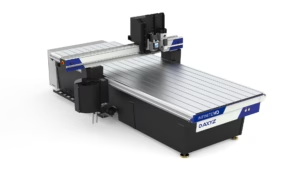
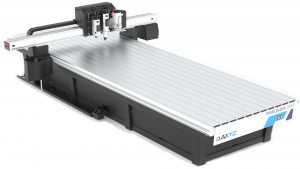
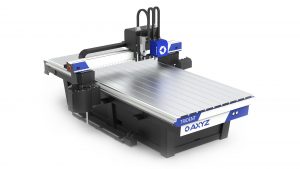
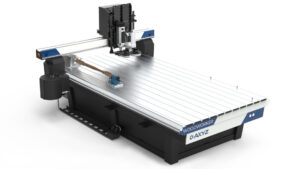
AXYZ SmartConsole Academy | Complete CNC Router Operator Training
About Course
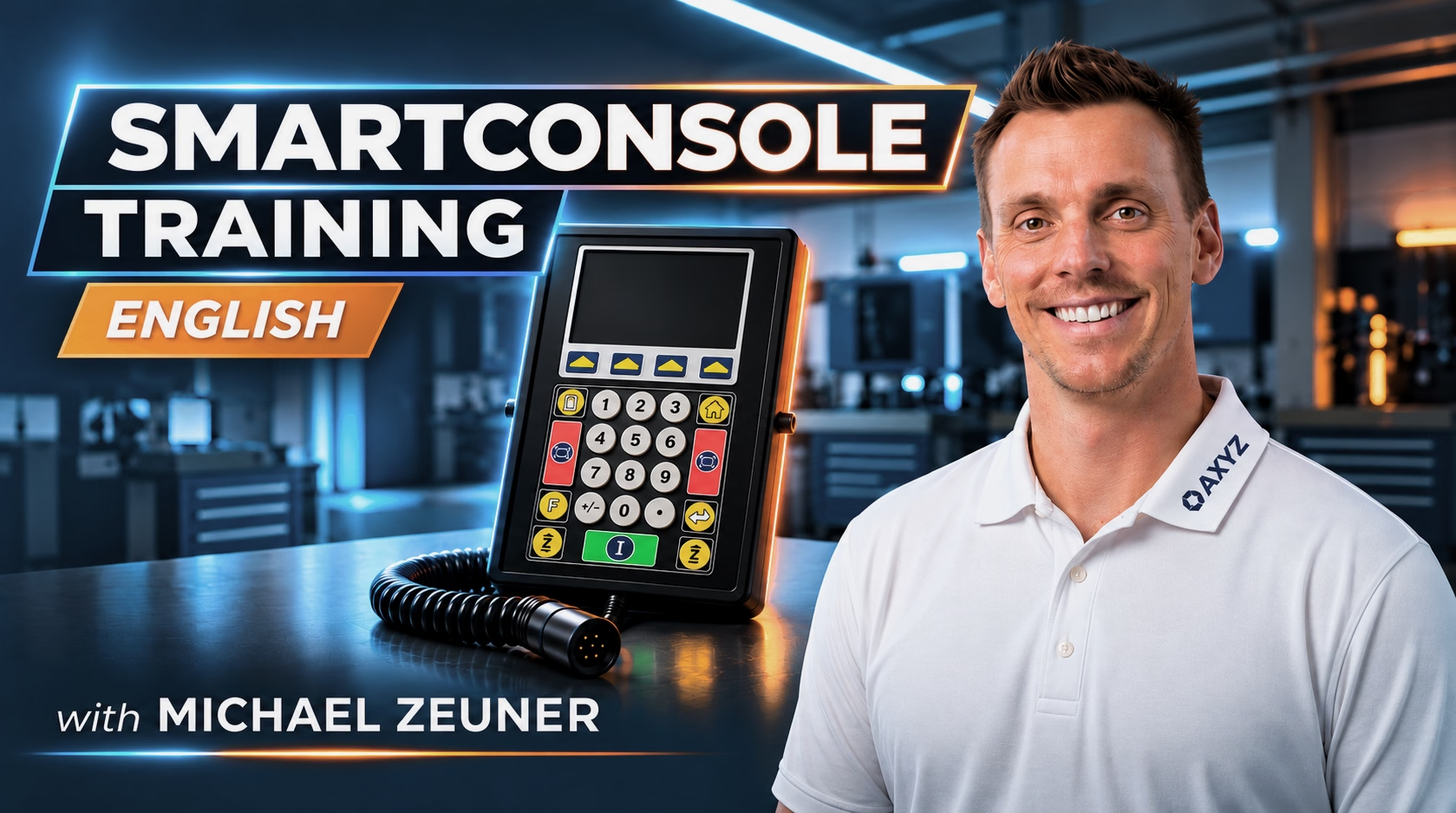
Master the fundamentals of CNC router operation with the AXYZ SmartConsole Academy, a comprehensive 14-lesson CNC training course designed to help operators understand machine controls, manage CNC programs, configure tooling, and operate automated manufacturing systems.
This step-by-step CNC operator training program introduces the AXYZ SmartConsole software and A2MC motion controller, guiding learners from basic machine navigation and job preparation to advanced CNC automation workflows. Through practical demonstrations, real controller interactions, and synchronized digital twin visualizations, students gain a clearer understanding of how AXYZ CNC routers operate and how different machine functions work together in a production environment. What You’ll Learn:
- CNC Machine Controls – Navigate AXYZ SmartConsole, understand machine status, configure settings, and manage CNC program files.
- CNC Tool Management – Review tool definitions, understand tool positions, explore automatic tool changes, and learn tool qualification requirements.
- Jogging & Machine Positioning – Control CNC axis movements, adjust jogging speeds, and execute precise measured movements.
- Work Origins & Coordinate Systems – Understand CNC work offsets, select coordinate references, and verify machine positioning.
- Vacuum Zoning & Material Hold-Down – Explore vacuum zone configurations, Live Deck, Pendulum modes, and roller hold-down systems.
- CNC Job Setup & Execution – Configure job repeats, manage production cycles, start and pause programs, and monitor machining operations.
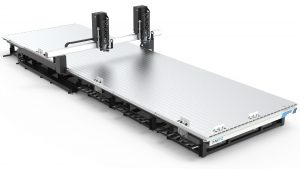
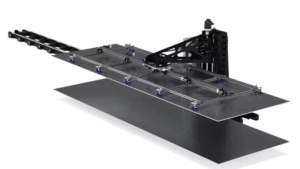
- Automated Material Handling – Learn how CNC systems coordinate automatic sheet loading, unloading, and material exchange.
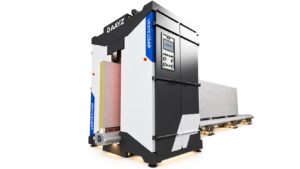
- AXYZ PreFab Automation – Explore automated panel-processing workflows integrating CNC routing, panel labeling, and sheet exchange.
- AXYZ WOODWORKER Operations – Understand gang drilling head configurations, tool qualification procedures, and rotary-axis positioning.
Course Structure: The course includes 14 lessons organized into four progressive topics, each followed by a milestone quiz:
- CNC Software Foundations and Machine Controls (Lessons 1–4) – SmartConsole status, files, preferences, tools and jogging.
- CNC Machine Setup, Job Preparation and Execution (Lessons 5–9) – Work origins, vacuum zoning, rollers, program repeats and job execution.
- CNC Automation and Integrated Production Workflows (Lessons 10–12) – Material handling, PreFab machining, labelling and panel exchange.
- Advanced CNC Applications and Specialized Machine Controls (Lessons 13–14) – WOODWORKER gang-head qualification and rotary-axis controls.
Who Is This Course For?
- New CNC router operators learning AXYZ machine controls
- Existing AXYZ operators looking to improve their software knowledge
- CNC machinists and manufacturing technicians
- Production supervisors and machine operators
- Manufacturers using automated CNC routing and material handling systems
- Businesses training employees on AXYZ CNC equipment
Learn CNC Operation with AXYZ The AXYZ SmartConsole Academy combines technical instruction with visual machine demonstrations to make CNC router training more accessible and easier to understand. Whether you’re learning CNC machine operation for the first time or expanding your knowledge of advanced AXYZ automation features, this course provides a structured foundation for understanding SmartConsole controls and CNC production workflows. Training demonstrations use controller-connected equipment and synchronized digital twins. Some machine inputs and physical processes are simulated. This course supplements, but does not replace, hands-on machine training, physical tool qualification, and approved operating procedures. Explore AXYZ CNC router solutions at https://www.axyz.com/
Course Content
Topic 1: CNC Software Foundations and Machine Controls
-
03:36
-
01:35
-
02:34
-
02:25
-
Topic 2: CNC Machine Setup, Job Preparation and Execution
Topic 3: CNC Automation and Integrated Production Workflows
Topic 4: Advanced CNC Applications and Specialized Machine Controls
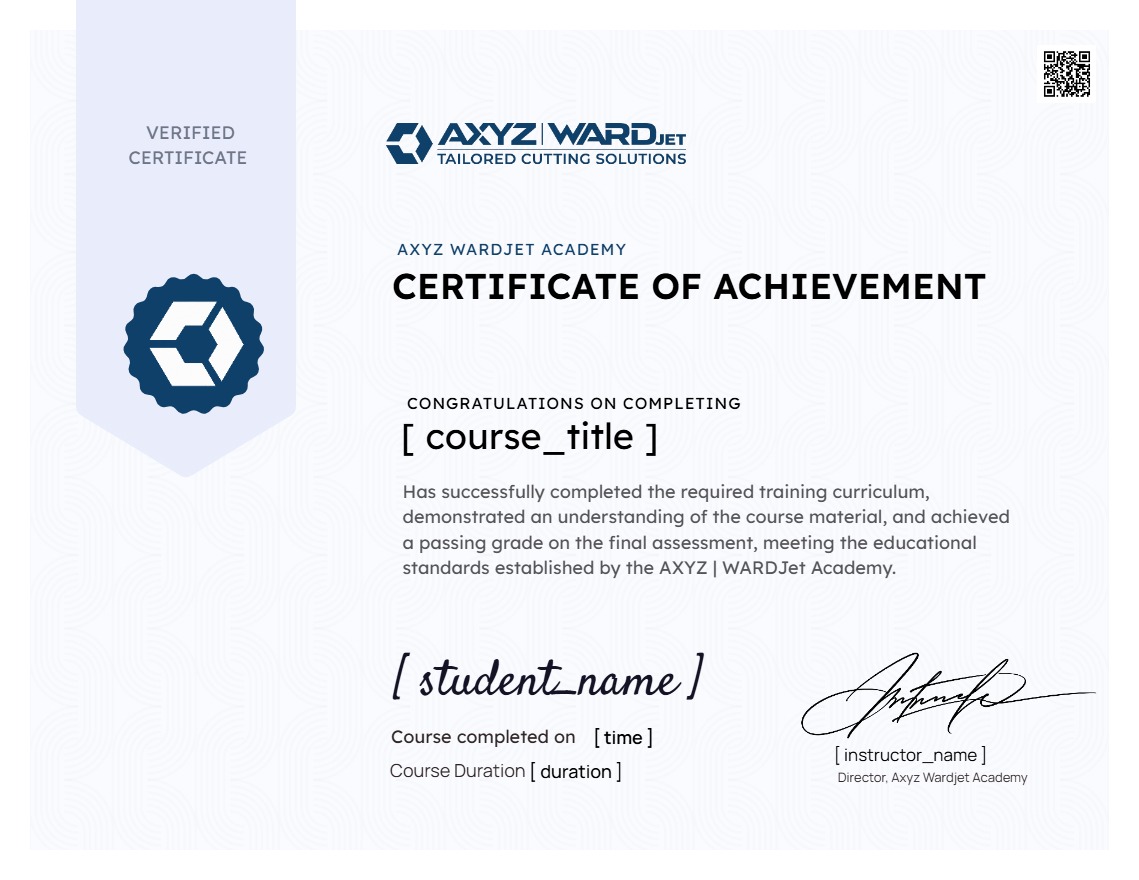
Earn a certificate
Add this certificate to your resume to demonstrate your skills & increase your chances of getting noticed.
Student Ratings & Reviews