

Two plywood panels can sit on a cart and look almost identical, yet belong to different walls. One has a window opening a few inches farther along. The router can cut both to the drawing, but the assembly crew still needs to know which one goes where.
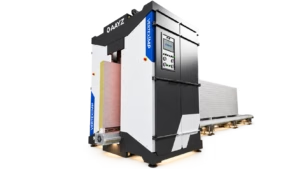
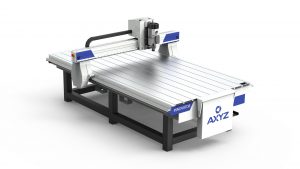
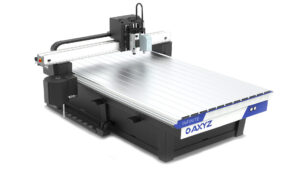
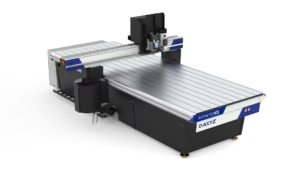
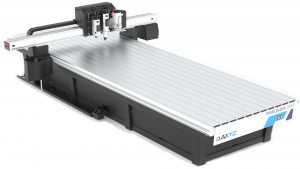
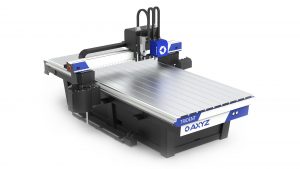
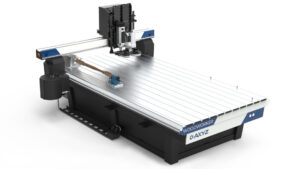
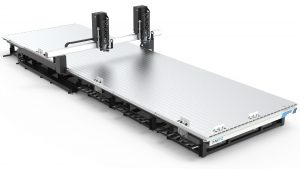
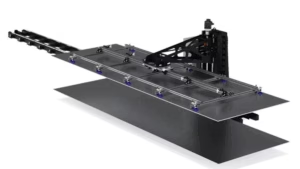
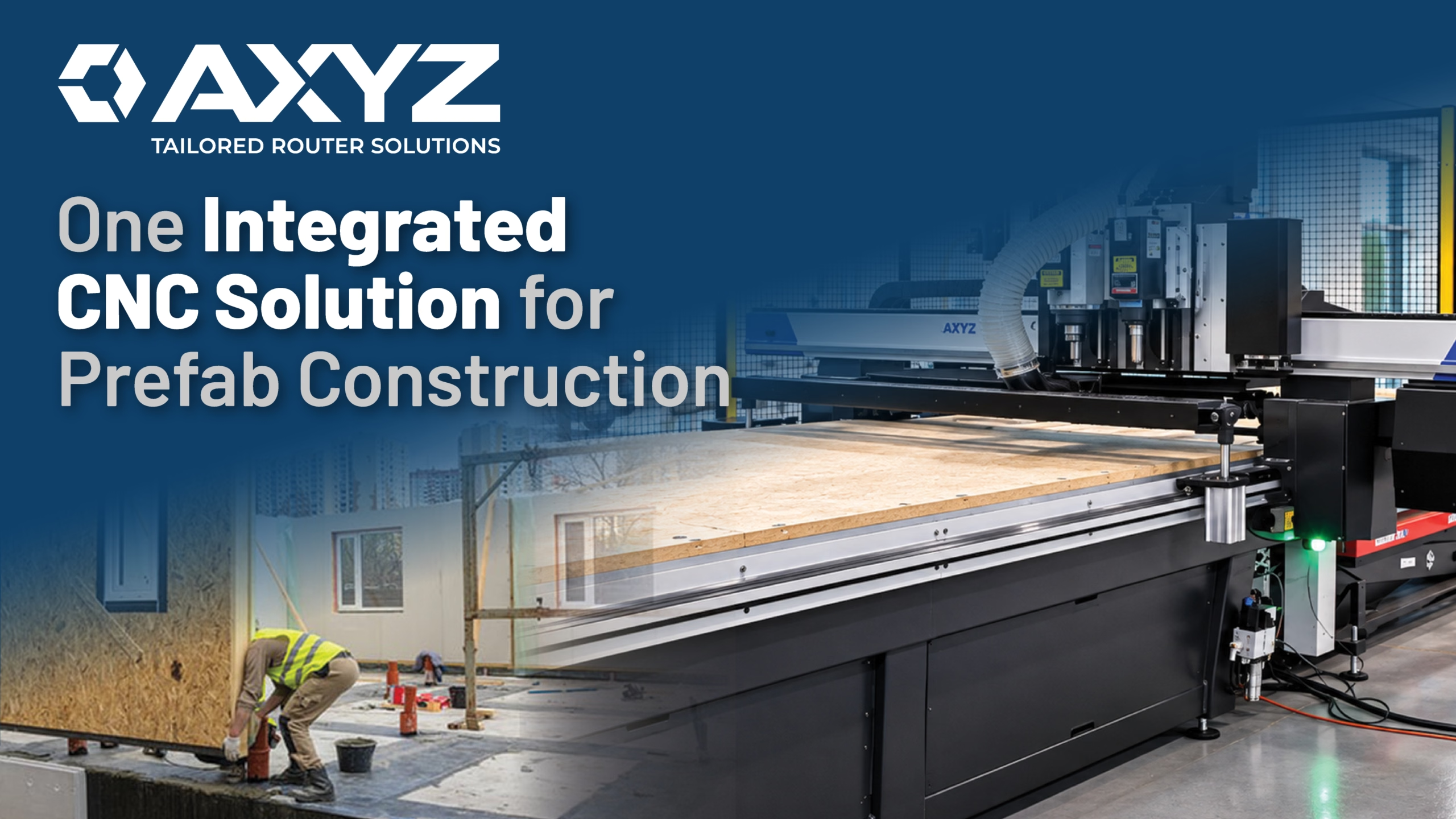
For offsite construction, the AXYZ WOODWORKER CNC router and LOADLine EDGE automated sheet loader handle both ends of that job. LOADLine EDGE picks up a sheet of oriented strand board (OSB) or plywood and positions it on the router table. The WOODWORKER cuts the programmed shapes, and an integrated printer labels each panel so the crew can match it to the assembly drawing.
How does a sheet get from the stack to the router?
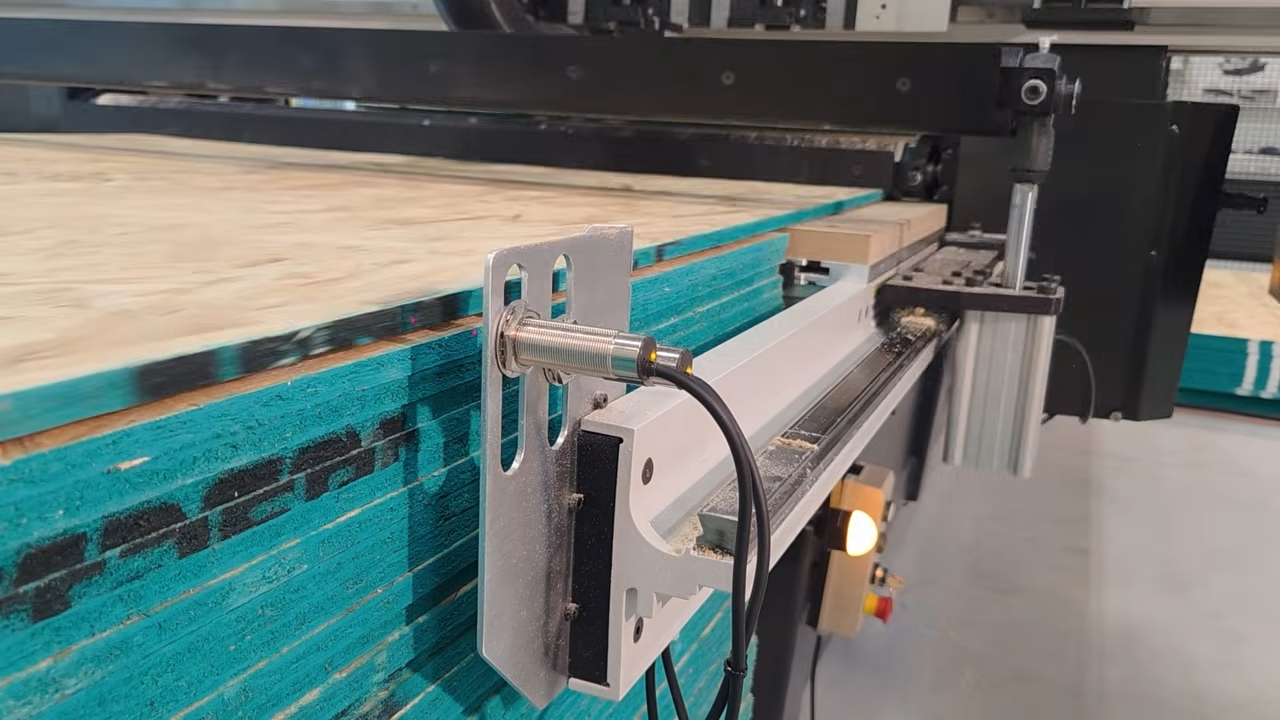
Full sheets start on a scissor lift beside the router. As each sheet comes off, a laser sensor tracks the height of the stack and the lift rises to keep the next sheet within reach. The operator can stage a stack of plywood for a run of wall panels without having to lift and position every sheet by hand.
LOADLine EDGE uses suction to pick up the top sheet and move it onto the cutting table. Pop-up pins locate the sheet along the X and Y axes. That gives the router a consistent starting point for each cut, whether the next sheet carries the same wall layout or a different set of panels.
What keeps OSB and plywood steady during cutting?
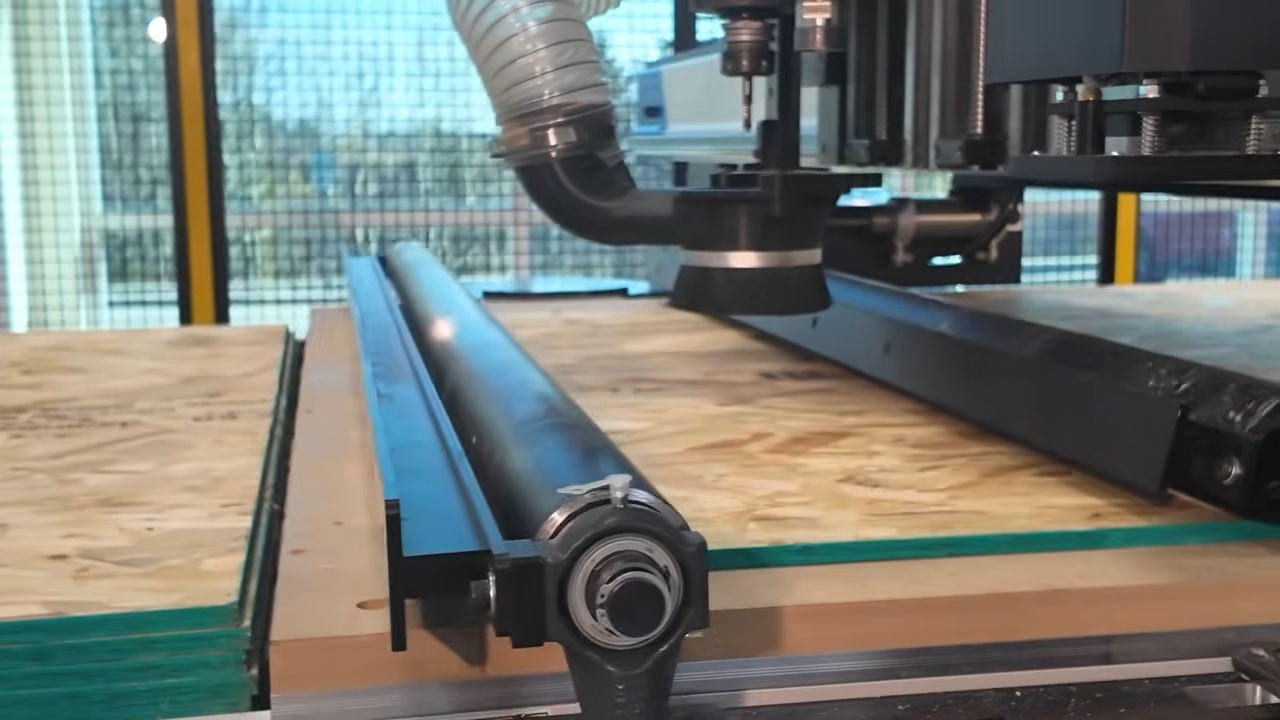
The WOODWORKER uses a vacuum table to hold the sheet against the cutting surface. Dust and chips can build up during routing and weaken that grip. In this prefab configuration, front and rear hold-down rollers apply adjustable downward pressure to help keep the sheet from shifting or vibrating as the tool moves. The rollers engage and release automatically during the cut.
How do crews identify panels for the right wall or module?
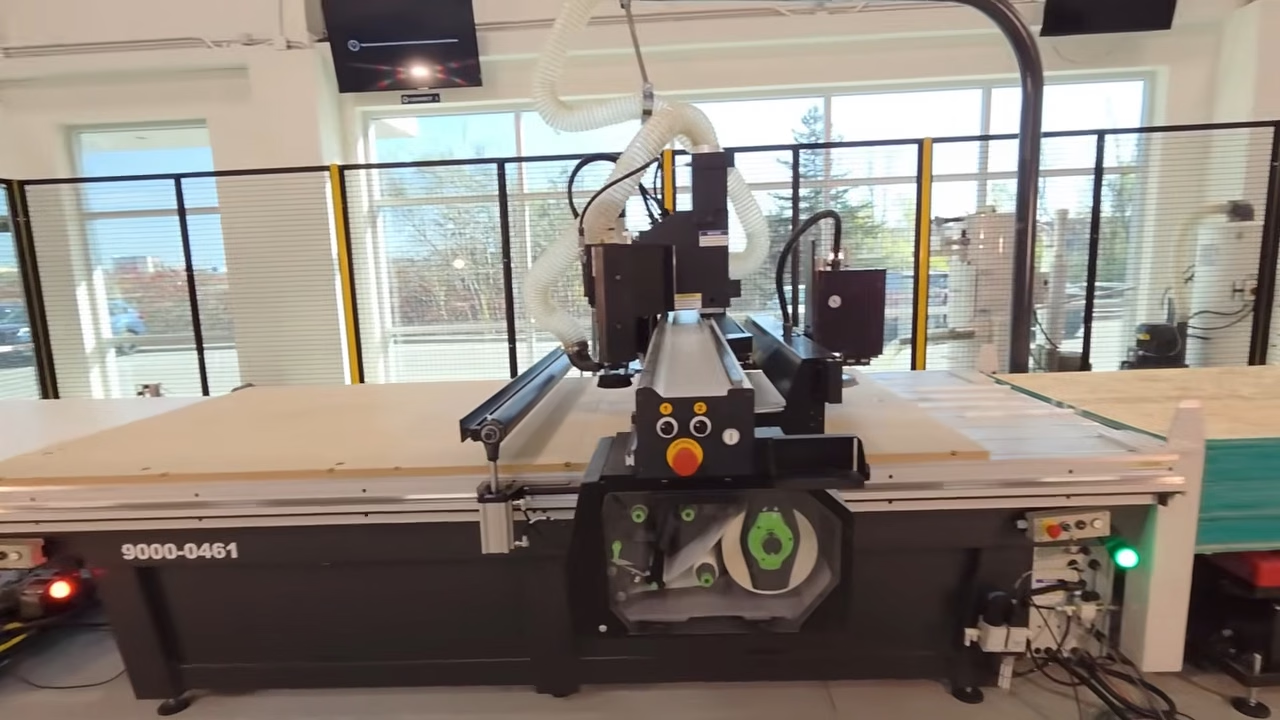
An integrated printer labels individual panels while their positions on the cutting layout are still known. Take the two wall panels with slightly different window openings. If each label carries the panel reference from the assembly drawing, the installer can check that reference on the cart and pick the right panel without laying out a tape measure.
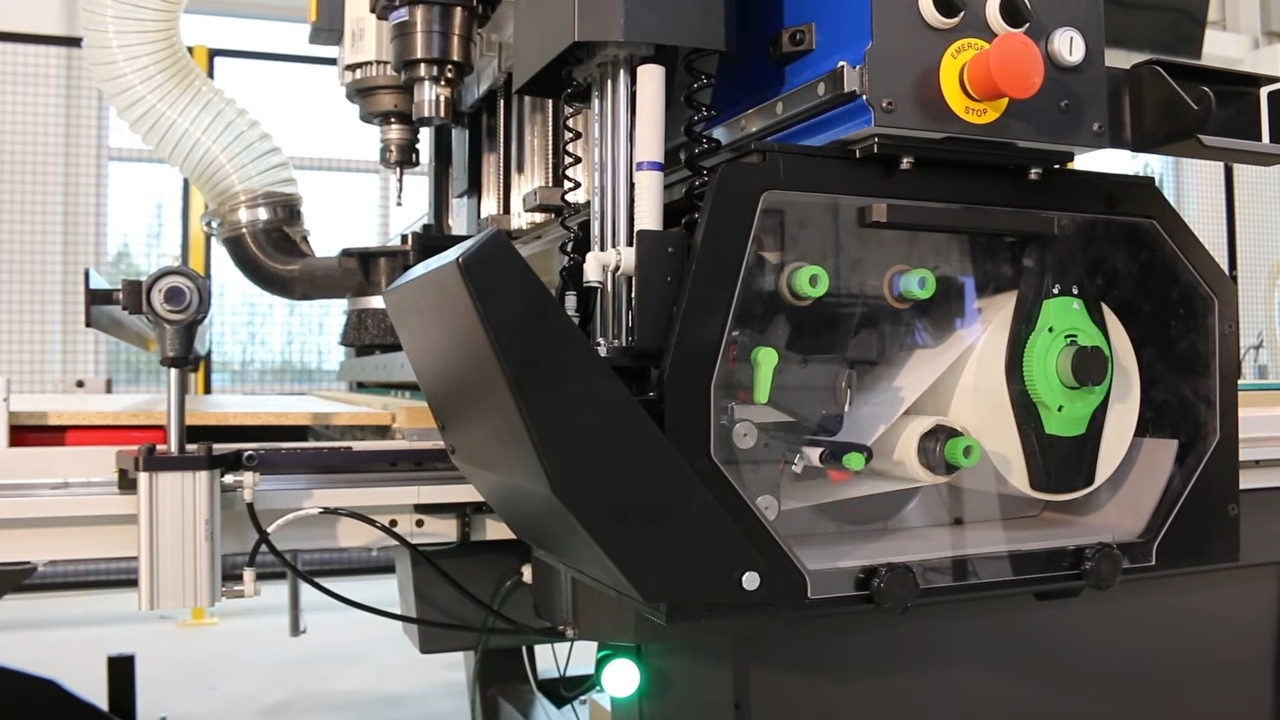
That becomes particularly useful in volumetric construction, where a factory assembles three-dimensional building modules. If a cutting run includes panels for several modules, a label such as Module 04 · Wall B · Panel 03 tells the crew where the piece belongs even after it leaves the router. The most useful label is one the person assembling the wall can read against the drawing already in hand.
What happens when the router finishes a sheet?
LOADLine EDGE can offload the finished work as it brings the next sheet onto the table. For a plant running repeated batches of OSB or plywood, that overlap reduces the time between finishing one sheet and positioning the next.
To see what that could mean on your own line, time one typical batch. Start when the first sheet leaves the stack and stop when the last panel is ready for assembly. Record how much of that time goes into loading, aligning, cutting and sorting. If crews spend several minutes matching similar panels to drawings, for example, the printer deserves as much attention during a demonstration as the router itself.
See how your prefab panels would run
Choose a sheet your team cuts regularly and the drawing your assembly crew uses. Bring the sheet dimensions, thickness and weight, along with a sample panel label. Book an AXYZ demonstration to discuss how WOODWORKER and LOADLine EDGE could handle that job, from the first sheet on the lift to the panel your crew needs next.