

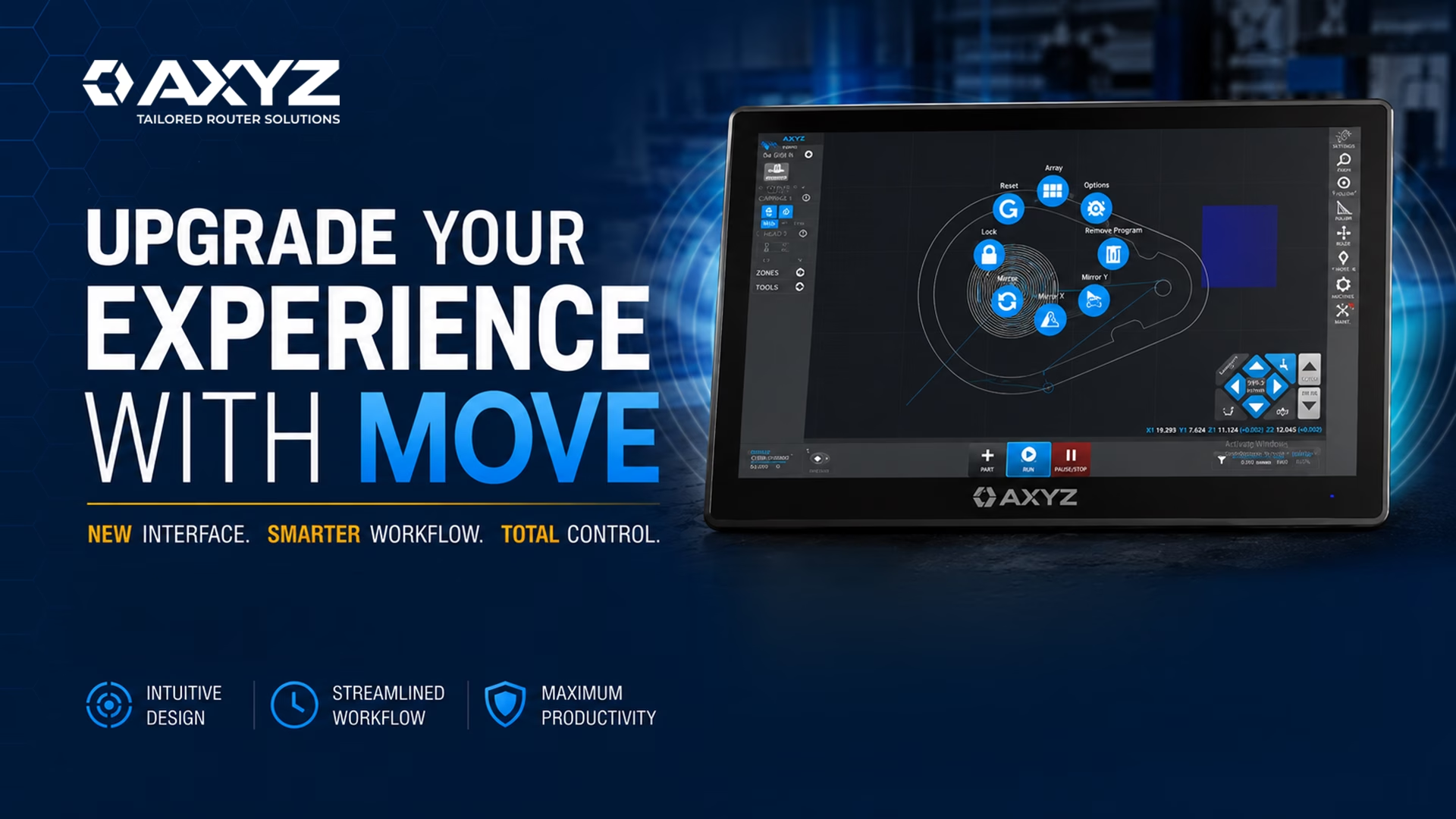
Operating a CNC router involves much more than pressing a start button. Operators need to load programs, position parts, manage tooling, control machine functions, monitor jobs and respond to changing production requirements.
For experienced operators, these tasks may become second nature. For new operators, however, learning controller functions and switching between different software applications can make the onboarding process more challenging.
AXYZ MOVE is designed to simplify that experience.
MOVE is a modern human-machine interface, or HMI, developed to give operators a more visual, connected and intuitive way to interact with compatible AXYZ CNC routers. It brings key machine controls and operator workflows together in one touchscreen-based interface.
What Is an HMI?
HMI stands for human-machine interface.
In a CNC environment, the HMI is the point through which an operator communicates with and controls the machine. It allows the operator to prepare jobs, move the machine, select tools, monitor production and manage machine functions.
MOVE serves as the primary visual control interface for the CNC router. From MOVE, an operator can load a program, view the program on the machine table, position the file, prepare tooling, jog the machine, start the job and monitor its progress.
The goal is not to reduce the capability of the machine. Instead, MOVE is designed to make those capabilities easier to find, understand and use.
A More Connected CNC Router Workflow
Traditional CNC router workflows may require operators to move between the machine controller and separate applications for file management, tooling or vision-system setup.
MOVE brings many of these functions into one interface.
Operators can access machine controls, files, tools, vacuum-zone settings, reference points and job information without repeatedly switching between separate applications.
This creates a more connected workflow from job setup through production.
By keeping more of the process in one place, MOVE can help operators spend less time navigating software and more time preparing and running jobs.
Visual Job Positioning
One of the main advantages of MOVE is its visual representation of the machine table and the parts being prepared.
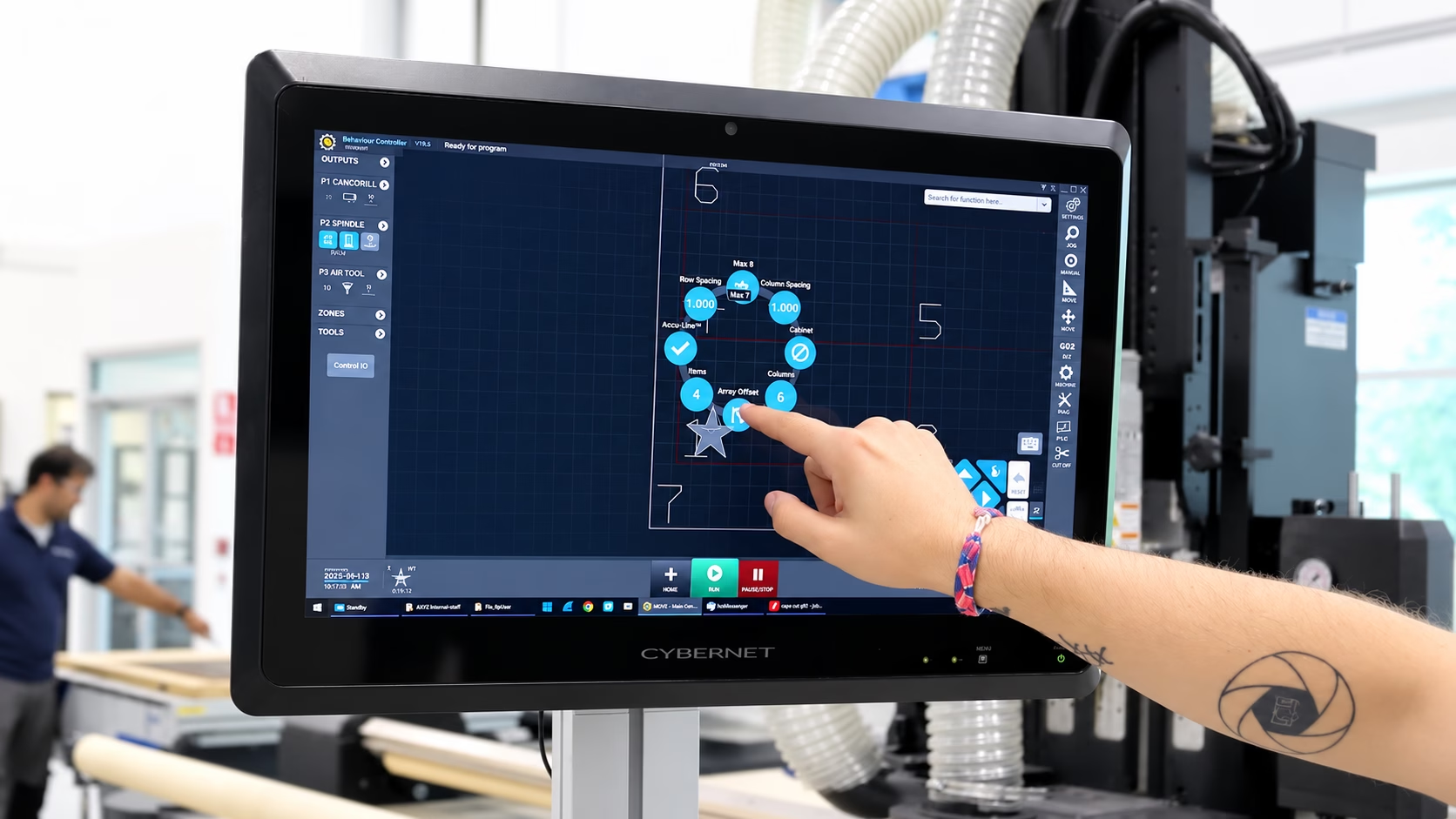
Operators can load a CNC file and see where the part will be positioned on the processing area. When the appropriate reference point is selected, the part can be moved around the displayed work area before the job begins.
This helps operators:
- Confirm that the part fits within the available material
- Avoid positioning a job outside the usable cutting area
- Place additional jobs around previously processed areas
- Make better use of remaining sheet material
- Visually review the job before starting production
This visual workflow can be particularly valuable when operators are cutting multiple parts from the same sheet or working with a limited amount of material.
Drag-and-Drop File Loading
MOVE simplifies the process of bringing CNC programs into the machine workflow.
Operators can access files through the MOVE parts library or drag and drop compatible CNC files into the interface. Files can also be stored in a connected folder, allowing programs to be transferred across a company network.
Once a file is loaded, the operator can position it on the table and prepare it for production.
This reduces the need to search through multiple applications or manually manage files through the machine controller.
Queue Multiple CNC Jobs
MOVE also allows operators to place multiple jobs on the visual machine grid and queue them for production.
Jobs can be configured to run one after another without stopping. Alternatively, MOVE can pause between jobs so that an operator can remove completed parts, load another sheet or reposition material before continuing.
The appropriate workflow depends on the machine configuration and production requirements.
For operations equipped with compatible automated loading and unloading equipment, job queuing may support a more continuous production process. For manually loaded machines, pauses can be inserted between jobs so the operator can safely prepare the next sheet.
Basic Part Manipulation Within MOVE
MOVE is not intended to replace CAD or CAM software. However, it provides several useful part-manipulation tools for adjustments at the machine.
Operators can:
- Move a part around the displayed work area
- Rotate a part by a specified number of degrees
- Mirror a part along the X or Y axis
- Create an array of repeated parts
For example, if an operator needs to produce ten copies of the same part, the array function can be used to arrange rows and columns of that part on the sheet.
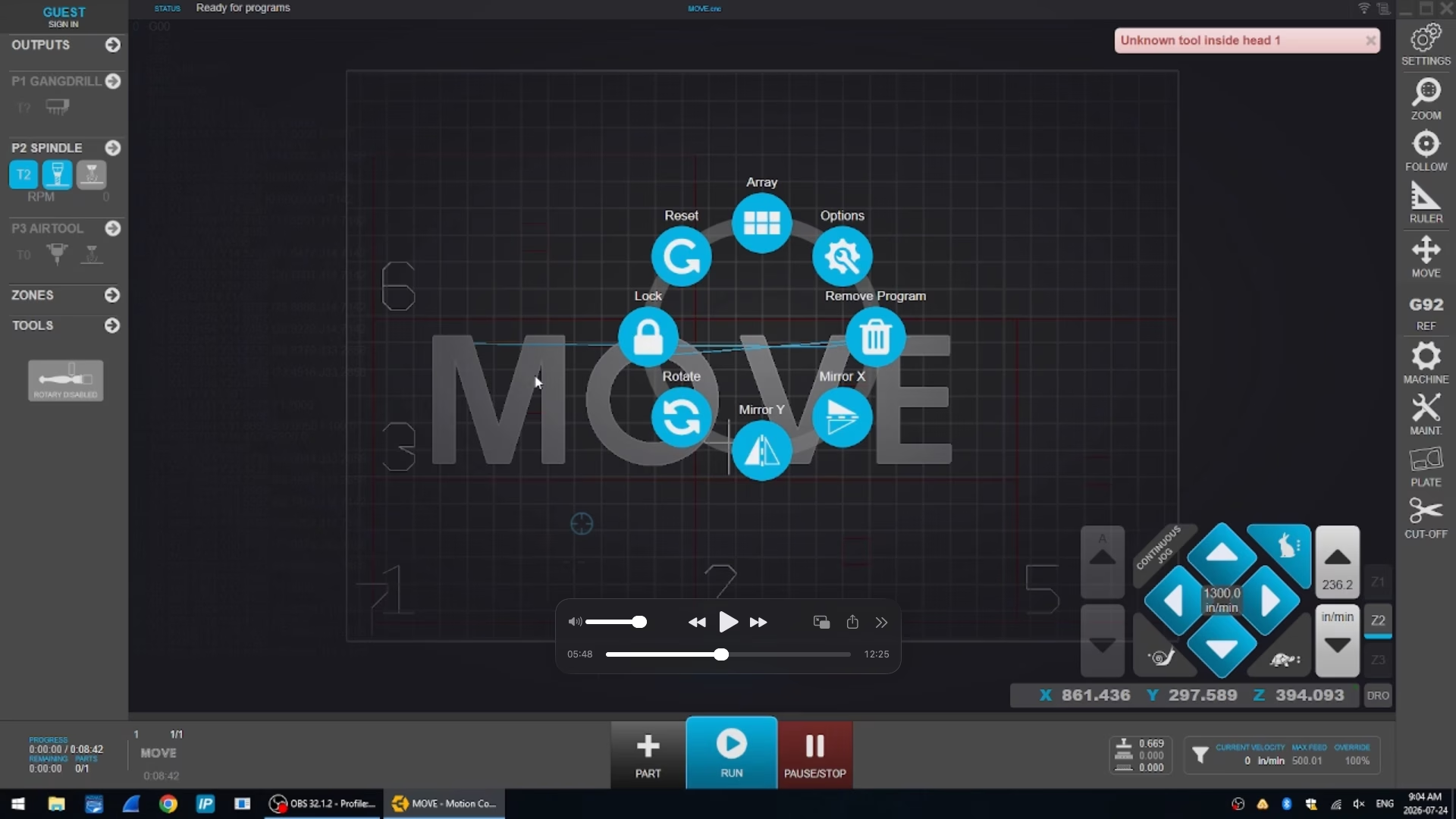
These tools are useful for quick production adjustments without requiring the operator to reopen the original design in a separate CAD or CAM platform.
More advanced operations, such as full nesting or detailed geometry editing, should still be completed in the appropriate CAD or CAM software.
Integrated Tool Management
Tool management is another important part of the MOVE workflow.
The interface displays the tools currently installed in the machine’s automatic tool changer. Operators can select a tool through the touchscreen interface instead of entering or memorizing a controller function.
MOVE also includes a broader tool library that can contain tools beyond those currently loaded in the automatic tool changer.
This allows operators to maintain a repository of frequently used router bits and assign the appropriate tools to the machine as production requirements change.
Whether a machine has a 10-position or 14-position tool changer, the broader tool library can contain a much larger collection of available tools.
Tool and Consumable-Life Tracking
MOVE can also help operators monitor defined tool and consumable-life limits.
Tool life may be tracked using measurements such as cutting distance, operating time or cycle count, depending on the item being monitored.
For example, an operator can define an expected usable life for a router bit. As the tool is used, MOVE tracks its progress toward that limit and can notify the operator when the tool is approaching replacement.
Consumable tracking may also apply to service items such as vacuum-pump oil, filters or knife blades on compatible machine configurations.
This functionality can support more proactive maintenance planning and reduce the risk of continuing to use a tool beyond its intended service life.
Actual tool life will vary depending on the tool, material, cutting parameters and application.
Integrated Print-to-Cut Workflow
For compatible AXYZ machines using the AXYZ vision system, MOVE brings the print-to-cut workflow into the operator interface.
When MOVE identifies that a program requires vision alignment, it can display the camera view and begin detecting the printed registration marks.
The system compares the expected registration-mark locations with the positions detected by the camera. It then calculates the required translation and rotation to align the cutting file with the printed material.
This integrated workflow reduces the need for the operator to switch between the SmartConsole and a separate vision-system application.
Monitor Job Progress Visually
MOVE allows operators to see what the machine is doing throughout the job.
The interface can display the CNC program and show the progression of the machine as it processes the file. Operators familiar with G-code can also view the program line by line.
As sections of the job are completed, the visual representation updates to show the processed areas.
This gives operators another way to understand the current status of the machine and the progress of the active job.
The G-code display can also be disabled when the operator prefers a cleaner view focused on the part and machine movement.
Review and Edit G-Code
Users can open a CNC file from the MOVE parts library and review the G-code in a text editor.
This may be useful when a small correction is required, such as:
- Removing an unnecessary pause
- Correcting a tool number
- Reviewing the commands within a program
- Making another limited text-based adjustment
After the edited file is saved, MOVE recognizes the updated version and uses the changes the next time the program is loaded.
Use Compatible CAD and CAM Software
MOVE runs on a Windows-based all-in-one computer. Compatible CAD or CAM software can therefore be installed on the same computer when this suits the customer’s workflow.
MOVE itself does not create designs or generate toolpaths. The design and toolpath are created in the selected CAD or CAM package. The resulting CNC program can then be loaded into MOVE and run on the machine.
Saving files directly into the folder used by the MOVE parts library can make the handoff between CAM programming and machine operation more efficient.
MOVE and the AXYZ SmartConsole
MOVE does not require operators to immediately give up the existing AXYZ SmartConsole.
Compatible machine configurations include a key switch that determines which interface is currently controlling the machine.
When MOVE is selected, the SmartConsole controls are disabled except for the designated stop controls. When the SmartConsole is selected, MOVE clearly indicates that the SmartConsole is in control.
Only one interface controls machine movement at a time. This helps prevent conflicting commands and supports safe, predictable machine operation.
The emergency-stop functions remain available regardless of which interface is selected.
This setup allows experienced operators to continue using the SmartConsole while gradually transitioning to MOVE.
Can MOVE Be Added to an Existing AXYZ CNC Router?
MOVE may be available as an upgrade for compatible existing AXYZ CNC routers.
Compatibility depends on the machine, motion-controller revision and current machine configuration. Some machines may be ready to accept the MOVE upgrade, while older machines may require an additional controller retrofit.
The MOVE upgrade includes the all-in-one touchscreen computer, adjustable operator stand, emergency-stop control, key switch and required machine connection.
When MOVE connects to the machine, it retrieves the current configuration from the AXYZ motion controller. This allows the interface to reflect the machine’s existing setup without requiring the customer to recreate every setting manually.
Because compatibility varies, existing AXYZ customers should request a machine review before purchasing an upgrade.
Remote Service and Support
MOVE can also provide an additional platform for AXYZ technicians to remotely assist customers.
With customer permission and the appropriate connection, an AXYZ technician can access machine information, review activity logs and see the state of inputs and outputs.
This visibility can help the service team investigate issues involving components such as the automatic tool changer or other machine systems.
Remote access does not replace every on-site service requirement, but it can provide technicians with more information when diagnosing an issue.
Who Can Benefit From MOVE?
MOVE is designed to support both new and experienced CNC operators.
New operators can benefit from:
- Visual controls
- Clearly labelled functions
- Reduced reliance on memorized commands
- A more connected onboarding experience
- Easier access to machine information
Experienced operators can benefit from:
- Faster access to frequently used functions
- Visual job positioning
- Job queuing
- Integrated file and tool management
- Limited part manipulation at the machine
- Greater visibility into job status
Production managers may also see value in more consistent operator workflows, proactive consumable tracking and easier transitions between team members.
Make CNC Router Operation Easier to Understand
The MOVE interface incorporates the essential components of CNC router control into a contemporary interface design.
From loading programs to locating parts, selecting tooling, queuing jobs, monitoring production, and controlling the machine, all of these things can be done from a single environment.
This will allow the machine to be easier to understand for new users, while making it quicker for experienced users to access the controls they require.
Should you wish to know whether the MOVE interface works with your existing AXYZ CNC router, please contact the AXYZ team to arrange a machine compatibility check.
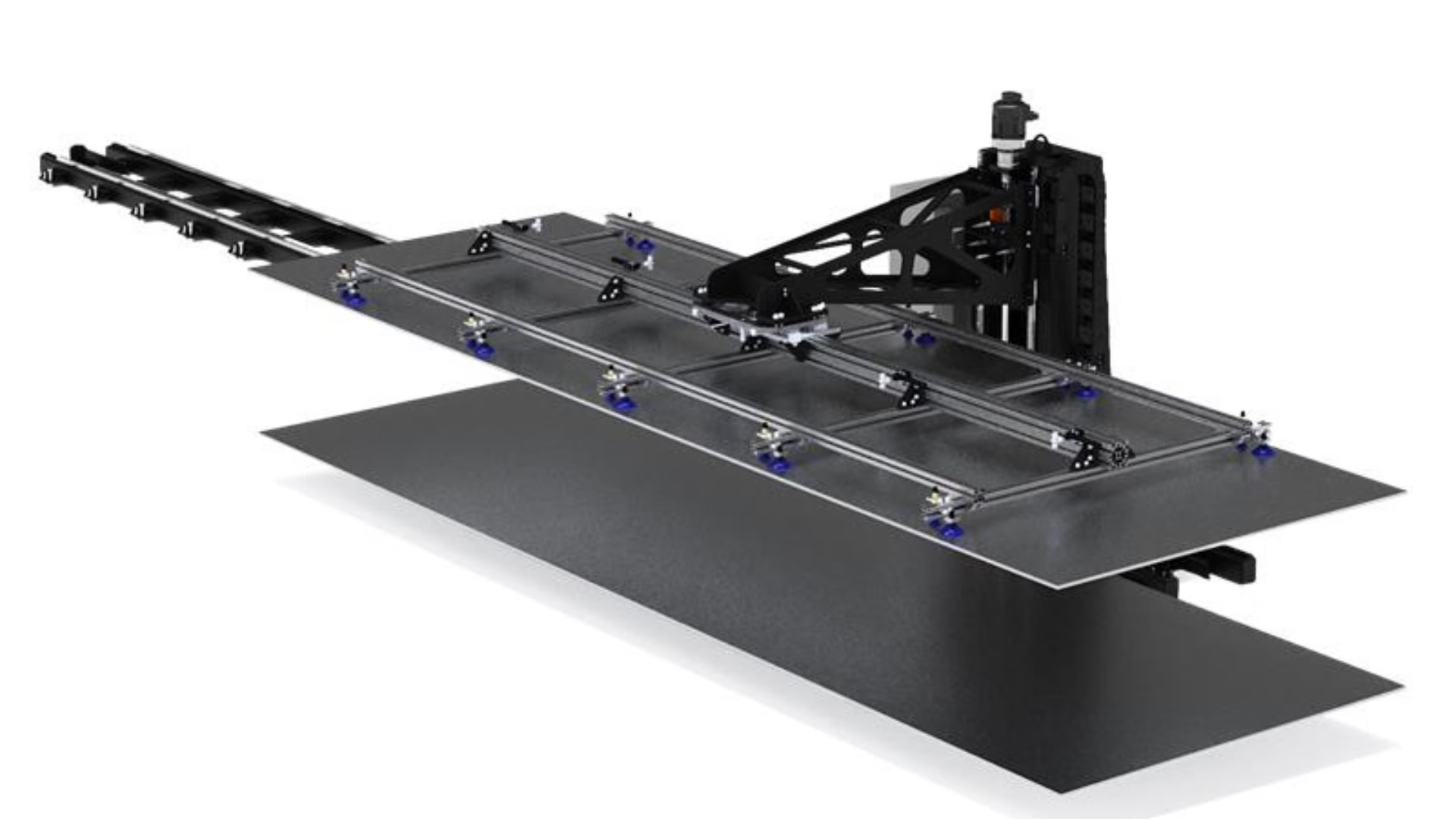
ith the right CNC material handling system, manufacturers can reduce operator strain, improve loading consistency, and make better use of their CNC equipment.