

Before the first cut of the day, a CNC router operator has already made a series of important decisions.
Power up the machine. Initialize the controller. Home the axes. Position the material. Prepare the tooling. Load the job. Arrange the parts. Then, once cutting begins, monitor production and make adjustments when conditions require them.
At the center of nearly every step is the CNC router operator interface.
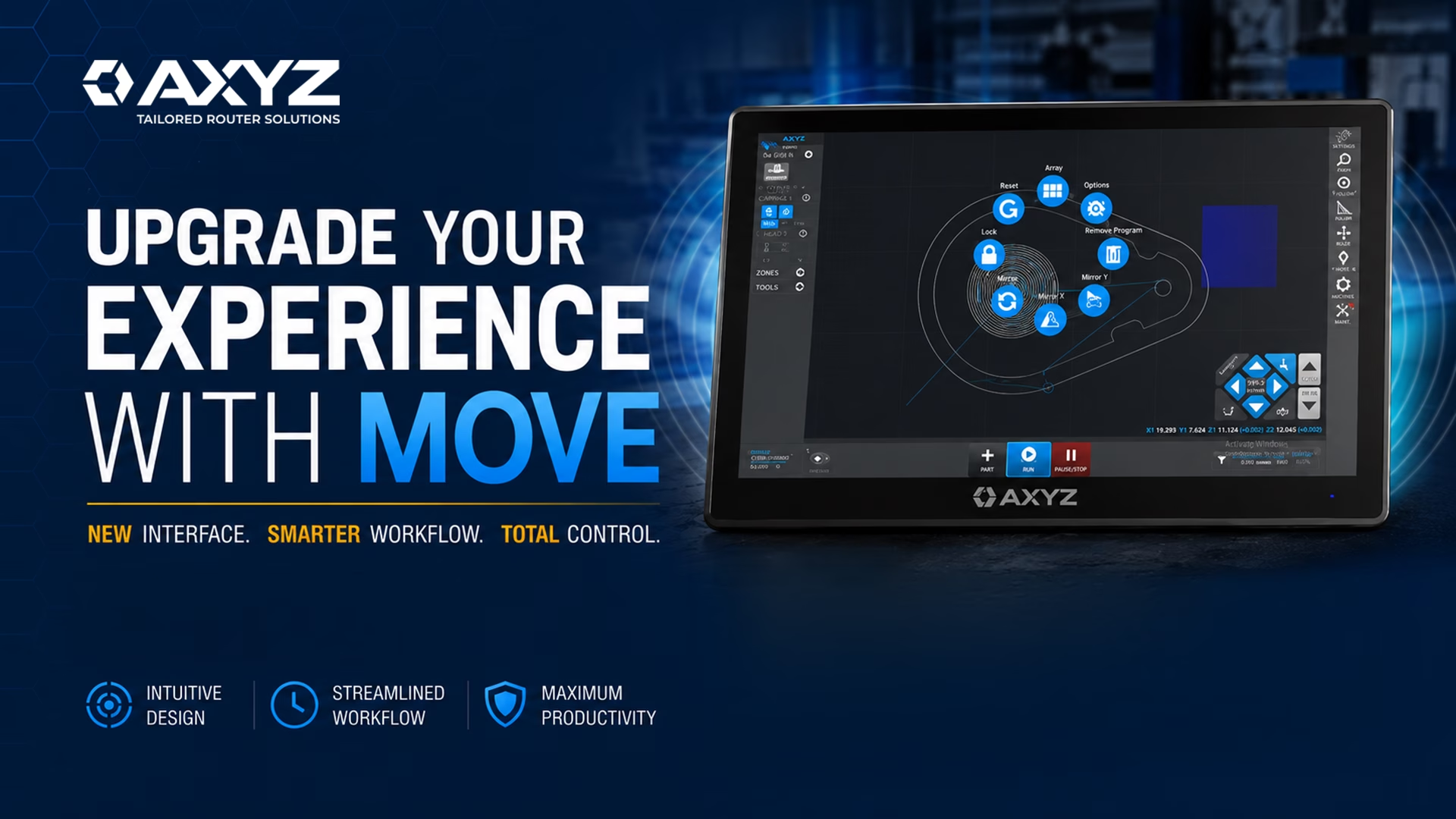
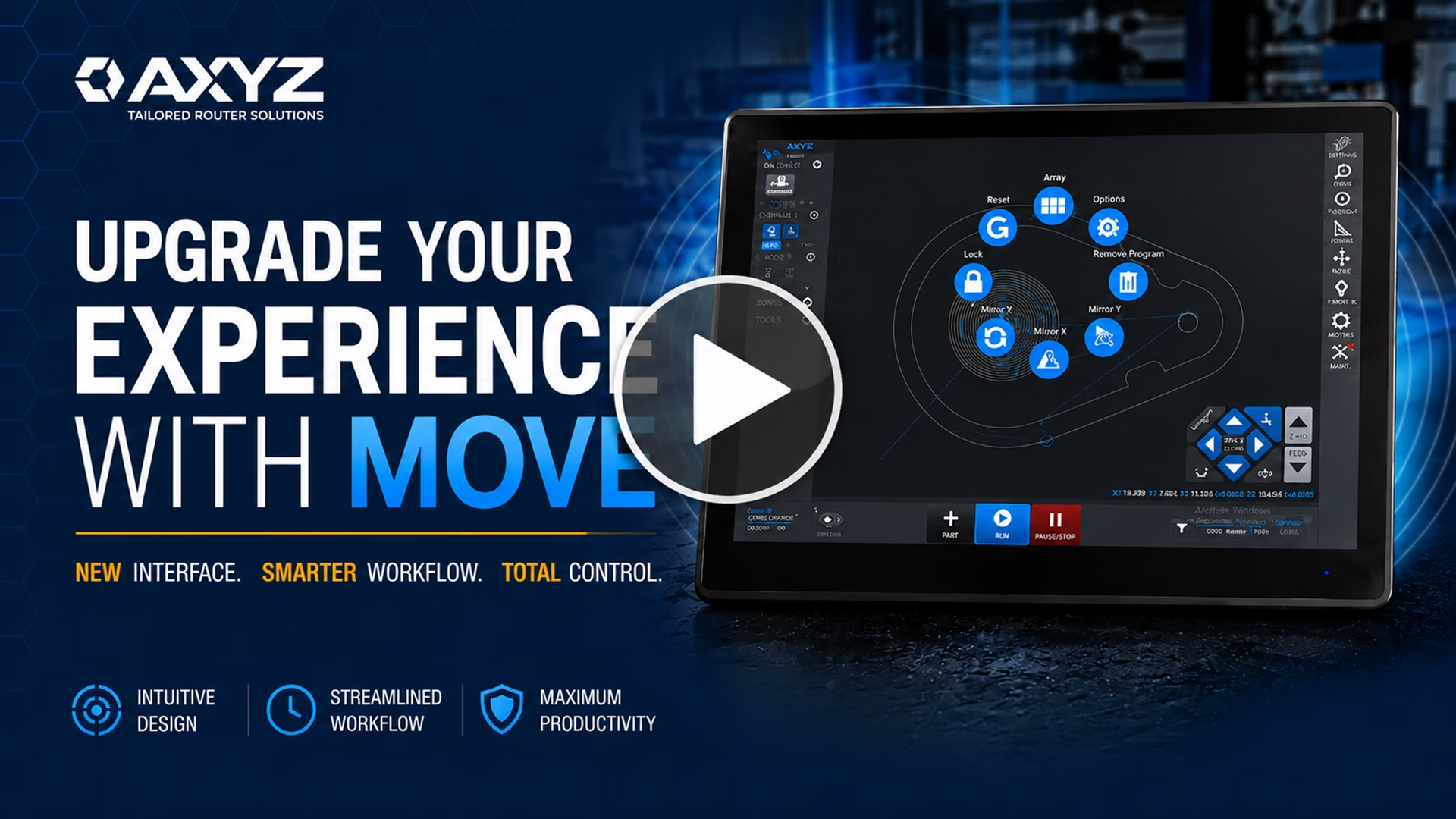
That is why AXYZ developed MOVE—an operator interface designed to create a more intuitive, connected CNC routing workflow, from machine startup and tooling preparation through job setup and production.
For manufacturers looking to make powerful CNC technology easier for operators to access, understand, and control, the interface matters.
A Simpler CNC Router Workflow from Startup to Production
A productive shift should not begin with operators navigating unnecessary complexity.
With AXYZ MOVE, the touchscreen brings machine status, tooling information, and production controls together within one accessible interface. After the CNC router completes its homing sequence, intuitive jogging controls allow the operator to position the spindle and workpiece for the job ahead.
The objective is straightforward: create a clearer path from powering on the CNC router to preparing it for production.
For experienced CNC operators, that means convenient access to frequently used controls. For newer operators, MOVE provides a logical workflow that helps connect machine setup, tooling, job preparation, and production.
A CNC router can offer extensive capabilities, but those capabilities are most valuable when operators can use them effectively.
Keep CNC Tool Preparation Within the Workflow
Tool preparation is a critical part of CNC router setup.
MOVE incorporates tool changes directly into the operator workflow. Operators can qualify each tool to establish the cutter measurements required before machining begins.
This creates a simple progression:
Prepare the machine. Prepare the tooling. Prepare the job. Start production.
Connecting these stages within the interface helps operators move through CNC router setup without treating each task as a disconnected process.
The result is an operator experience built around the way production work actually happens at the machine.
Make Common CNC Job Changes at the Machine
Job preparation is another area where an intuitive CNC machine interface can make a practical difference.
MOVE allows operators to load parts directly from the library and perform supported production changes at the CNC router.
Need several copies of the same component? Create an array.
Need a different orientation? Rotate the part to the required angle.
Need left- and right-hand versions? Mirror the geometry.
For supported changes such as these, operators do not need to return to the original CAD software.
Keeping more job preparation at the machine reduces unnecessary back-and-forth and allows the person responsible for running the CNC router to stay focused on the production task in front of them.
Maintain Operator Control During CNC Routing
Pressing start does not end the operator’s role.
Production conditions can change while a CNC router is running, and an operator may need to respond. MOVE provides real-time feed and speed control, allowing operators to make necessary adjustments on the fly without stopping production simply to change a setting.
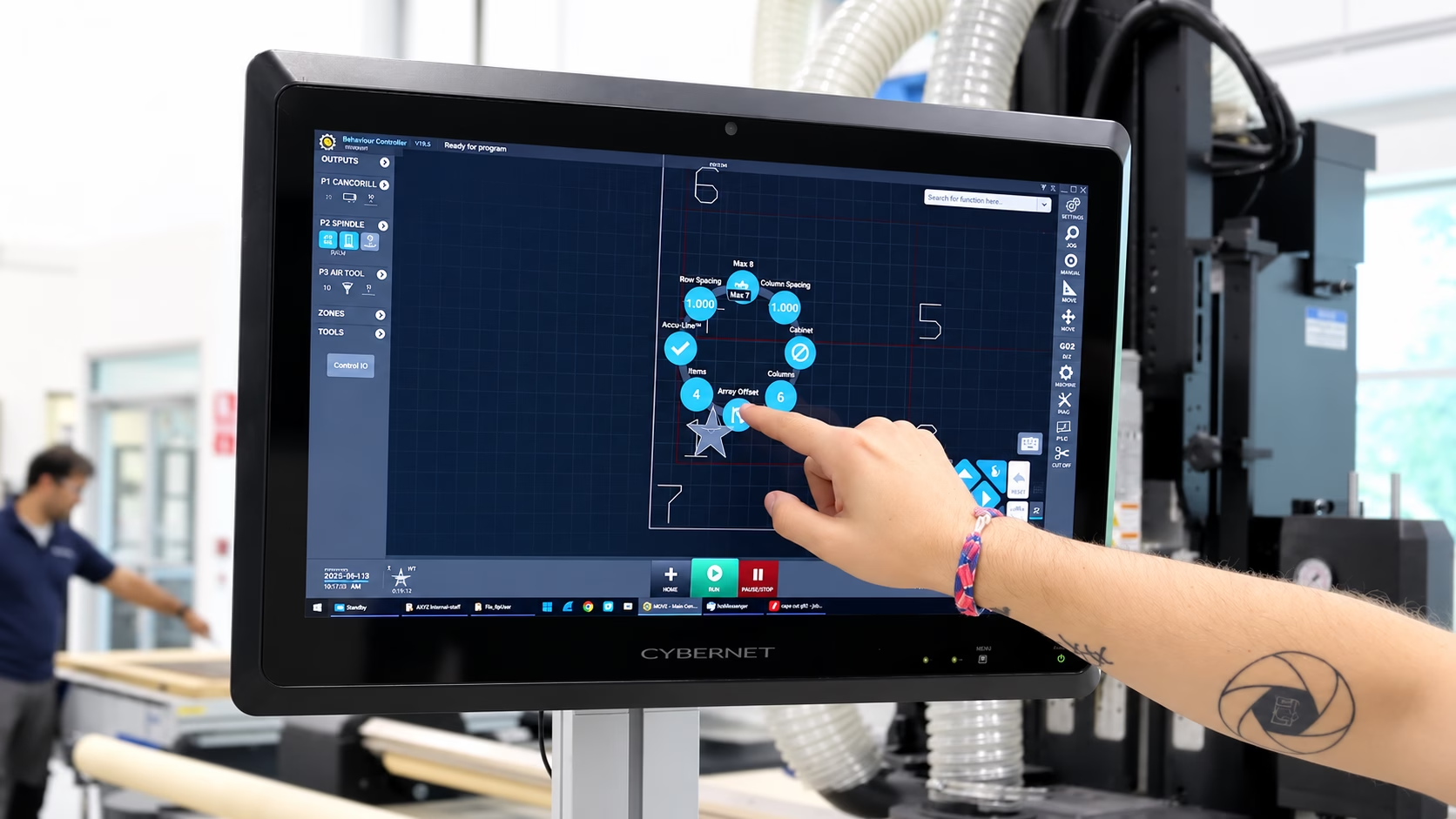
That puts important CNC production controls where they are needed: with the operator, at the machine.
An effective CNC router interface should not only simplify setup. It should help the operator remain in control throughout the production process.
An Intuitive CNC Interface for Different Experience Levels
CNC router operators do not all arrive at the machine with the same level of experience.
An experienced machinist may immediately know which control needs attention and why. Someone newer to CNC routing may still be learning the relationship between machine setup, tooling, part preparation, and production settings.
MOVE is designed to support both.
The interface is intuitive to operate, straightforward to learn, and designed to simplify training for new users. Experienced operators can access the controls they need, while newer users can develop familiarity with the CNC routing workflow without unnecessary interface complexity.
A powerful CNC router should not require a complicated operator experience. Its interface should make that power easier to access and control.
MOVE and Smart Console: Flexibility for Different CNC Workflows
Different applications can call for different ways of working.
MOVE gives users the flexibility to switch between MOVE and Smart Console, rather than requiring every operation to follow one interface workflow.
That gives operators greater choice in how they interact with their AXYZ CNC router and allows them to select the approach that best fits the task and application.
Can MOVE Be Retrofitted to an Existing AXYZ CNC Router?
MOVE is not limited to new CNC equipment.
It can also be retrofitted to many older AXYZ machines, providing manufacturers with eligible systems an opportunity to modernize the operator experience without necessarily replacing the entire CNC router.
Compatibility depends on the individual machine and should be confirmed directly with AXYZ.
For suitable systems, an AXYZ MOVE retrofit can modernize one of the most frequently used elements of the machine: the way operators interact with, prepare, and control their CNC router every day.
The Machine Does the Cutting. The Operator Gets It There.
When evaluating CNC router technology, attention naturally goes to the machine itself. But the operator experience is also an important part of the production equation.
How easily can an operator move from startup to setup? How quickly can tooling and jobs be prepared? Can common part changes be completed at the machine? Can feed and speed be adjusted during production? How straightforward will the interface be for the next operator to learn?
The CNC interface influences each of these moments.
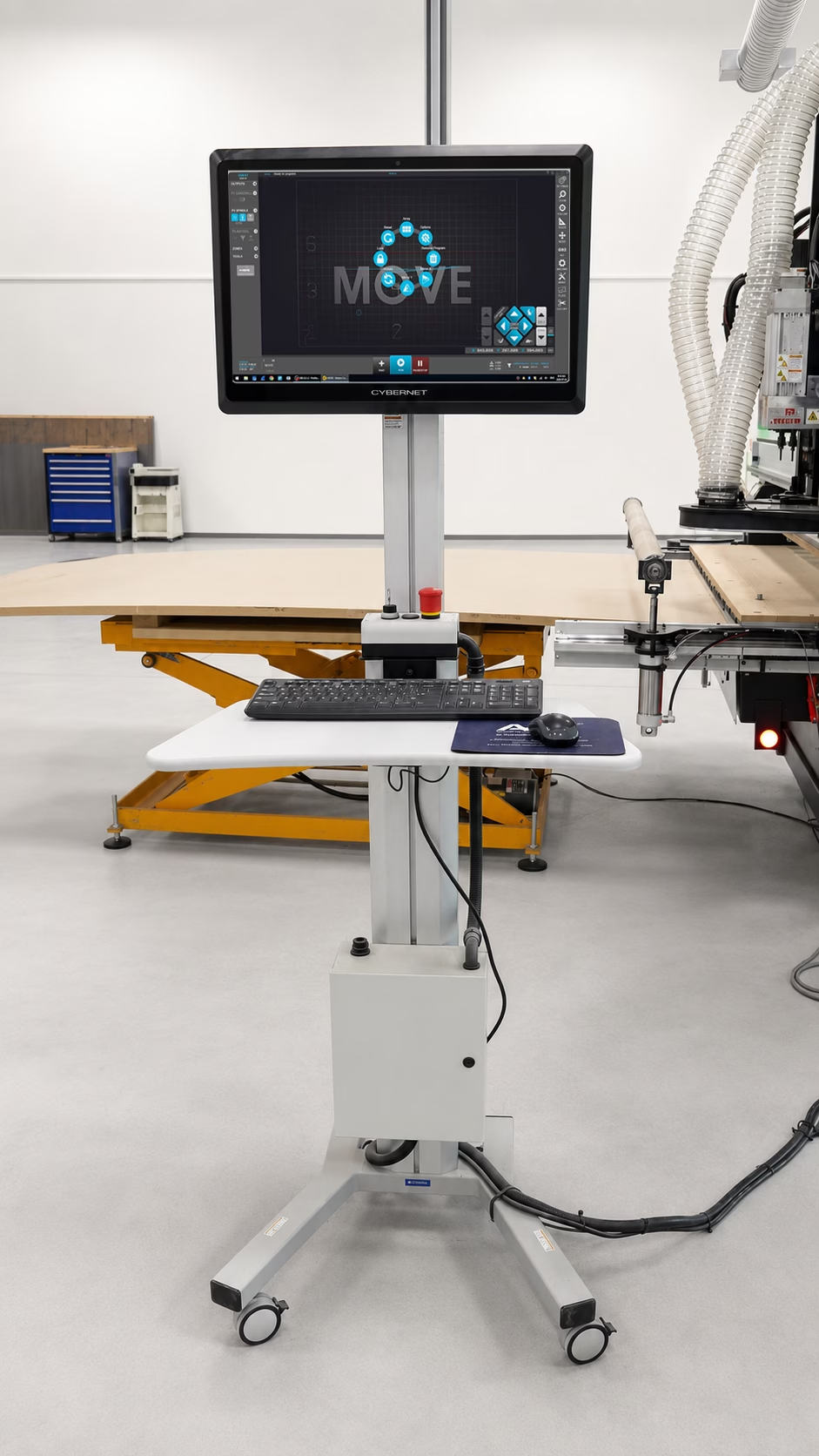
AXYZ MOVE is designed to create a more intuitive and connected workflow—from power-on to production, from loading and manipulating parts to preparing tooling and making real-time adjustments at the machine.
Powerful CNC technology should be powerful for the operator, too.
It Is Time to Get MOVEing
Want to see how MOVE could fit your AXYZ CNC routing workflow?
Talk with the AXYZ team to discuss your machine, application, and production requirements. If you already operate an AXYZ CNC router, the team can also help determine whether your system may be compatible with a MOVE retrofit.
Make your CNC router’s power easier to access. Get MOVEing with AXYZ.